What Is Cloudflare, And Why Does It Affect So Much Of The Internet?

Much of the internet has been experiencing issues today as tech company Cloudflare suffered a major technical problem.

X (formerly Twitter) and ChatGPT are some of the sites which could not show all of their content when the problems arose.

A spokesperson for Cloudflare told The Guardian earlier today that they “saw a spike in unusual traffic to one of Cloudflare’s services beginning at 11:20am”.

This then “caused some traffic passing through Cloudflare’s network to experience errors”, they noted.

“While most traffic for most services continued to flow as normal, there were elevated errors across multiple Cloudflare services.

“We do not yet know the cause of the spike in unusual traffic. We are all hands on deck to make sure all traffic is served without errors. After that, we will turn our attention to investigating the cause of the unusual spike in traffic.”

But what is Cloudflare to begin with, and why does it affect so much of the internet if the company experiences an issue?

What is Cloudflare?

Cloudflare describes itself as “one global cloud network unlike any other”.

It helps sites to manage and secure internet traffic, ensures that the content of lots of sites can load safely, and protects sites from malicious attacks.

In layman’s terms, Cloudflare works behind the scenes to get the content sites want to give us to our screens safely.

Why do Cloudflare issues affect so much of the internet?

As we mentioned, the company helps to deliver a lot of the web’s content.

So when it’s down, or if it experiences technical problems, it doesn’t just affect one company.

“Today about 20% of the web runs through Cloudflare’s network,” the company wrote in 2024. This equates to millions of customers.

As a result, Cloudflare hiccups can have knock-on effects on multiple sites.

Which sites are affected by Cloudflare issues?

ChatGPT, X, and some transit sites (reportedly, the New Jersey transit system was affected, for instance) appeared to experience issues which may be linked to Cloudflare’s tech problems.

Shopify, Dropbox, Coinbase, online game League of Legends, Moody’s and NJ Transit also had problems today.

There may be many other sites involved, too (TechRadar, for instance, reported its internal HR system was affected).

When will the Cloudflare outage be fixed?

We don’t yet know when all of the problems will be fixed as of the time of writing.

But there’s good news: Cloudflare’s latest update (14:34, November 18) reads: “We’ve deployed a change which has restored dashboard services. We are still working to remediate broad application services impact.”

Share Button

The Most Accurate Weather App Has Finally Been Identified

If you’ve ever stepped out in what you thought were weather-appropriate clothes, only to find yourself soaked to the skin or sweating buckets, you’re likely very familiar with the feeling of being betrayed by weather apps.

It’s frustrating, especially when your friends tell you that the app that they rely on gave an entirely different forecast for the day. The absurdity! The outrage!

Thankfully, a team of researchers decided to set the record straight on exactly which app we should be using ahead of stepping outside, so that we can be more suitably prepared.

New research reveals the best weather app

In a move that adds another layer to the treasured British tradition of complaining about the weather, iNews commissioned University of Reading’s Department of Meteorology to identify which were the best sources to check, and the results actually revealed that it can differ, depending on the outlook you’re hoping for.

iNews asked Rosie Mammatt, a weather scientist at the University of Reading, to compare the performance of some of the country’s most popular weather apps.

Over a period of two weeks, Mammatt looked at BBC Weather, the Met Office, Apple Weather, the Weather Channel and AccuWeather over a two-week period.

Her research found that, as many of us know, forecasts are often wrong and surprisingly, it’s the BBC that often gives the least accurate forecasts on their app.

Mammatt reveaed that BBC Weather is often “too pessimistic” and repeatedly overestimated the amount of rainfall ahead.

So, who can we really rely on, then?

Well, if you’re heading out in the morning, you’re best to check Accuweather. If you’re going out in the afternoon, the Met Office is best.

The best overall forecaster, though, was Weather Channel, which can be relied on for any and all forecasts.

Weather apps ranked by accuracy:

  1. Weather Channel
  2. AccuWeather
  3. Met Office
  4. Apple Weather
  5. BBC Weather
Share Button

How Technology Will Change The Future Of Stroke Diagnosis And Treatment

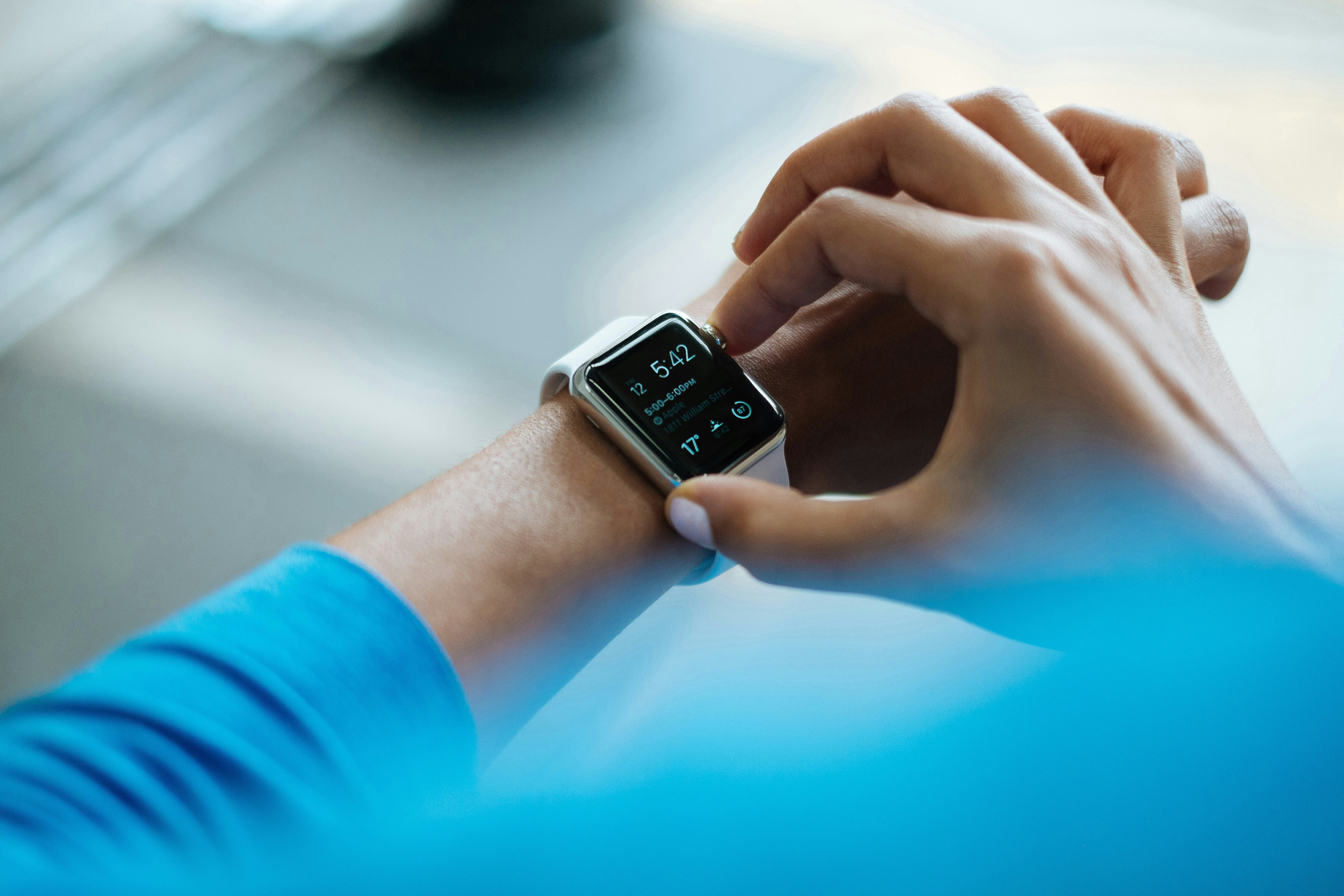
Anyone who has an Apple Watch or an equivalent will tell you it’s made them more acutely aware of their health. With features such as heart rate and rhythmn detection, fall detection and even medical ID included, wearable health technology gives users a real-time idea of their wellbeing.

Now, Nirave Gondhia, founder of House of Tech has said that he believes the lasting legacy of Apple will be the Watch.

In an article for Digital Trends, Gondhia said: “The Apple Watch is the most important device that Apple sells right now.

“Of all the products on Apple’s shelves, it’s the one that markedly improves your life. There’s a suite of health features that could save your life, including high and low-heart-rate notifications, EKG, fall detection, and blood pressure monitoring.”

He also added: “The suite of Apple Health features available today is already incredibly strong. Looking down the road for the next few year, it only stands to get better.”

Medical experts are also excited for the future of digital technology for health

Neurosurgeon Richard D. Fessler M.D said: “Wearable technology can look for possible stroke risk factors, such as sleep apnoea, that may be affecting a patient without them realising it — something that an annual check-up would never detect.

“And it can constantly monitor things like body temperature that, when elevated, may trigger a stroke. The patient’s provider has access to all of the information gathered by the wearable, and can reach out to the patient if they see anything that needs to be addressed.”

Dr. Anne Lepetit, Chief Medical Officer at Bupa said: “The potential for digital healthcare to transform stroke prevention and recovery has never been clearer.

“Wearable devices connected to health apps can track vital signs in real-time, analysing trends and flagging risk patterns, so you can take preventative action. Remote consultations make it easier for patients to access expert advice, and personalised health programmes to help patients stay engaged with lifestyle changes, such as diet and exercise, that lower stroke risk.”

Hopefully, these revelations will make wearable tech more accessible and affordable to patients.

Share Button

NHS Chief Takes Aim At Gwyneth Paltrow’s Goop And Booming ‘Wellness’ Industry

HuffPost is part of Verizon Media. Verizon Media and our partners need your consent to access your device and use your data (including location) to understand your interests, and provide and measure personalised ads. Verizon Media will also provide you with personalised ads on partner products. Learn more.

Select ‘OK’ to continue and allow Verizon Media and our partners to use your data, or select ‘Manage options’ to view your choices.

Share Button

Shakira FaceTimes Her Kids Whenever, Wherever – And Working Parents Relate

HuffPost is part of Oath. Oath and our partners need your consent to access your device and use your data (including location) to understand your interests, and provide and measure personalised ads. Oath will also provide you with personalised ads on partner products. Learn more.

Select ‘OK’ to continue and allow Oath and our partners to use your data, or select ‘Manage options’ to view your choices.

Share Button

Mars Rover Assembly Completed In Stevenage

Download Video

Share Button

Is An Obsession With Tracking Our Sleep Fuelling A Bedtime Crisis?

HuffPost is part of Oath. Oath and our partners need your consent to access your device and use your data (including location) to understand your interests, and provide and measure personalised ads. Oath will also provide you with personalised ads on partner products. Learn more.

Select ‘OK’ to continue and allow Oath and our partners to use your data, or select ‘Manage options’ to view your choices.

Share Button

Your iPhone Is Overstating Its Battery Life, According To New Tests

HuffPost is part of Oath. Oath and our partners need your consent to access your device and use your data (including location) to understand your interests, and provide and measure personalised ads. Oath will also provide you with personalised ads on partner products. Learn more.

Select ‘OK’ to continue and allow Oath and our partners to use your data, or select ‘Manage options’ to view your choices.

Share Button

Single metalens focuses all colors of the rainbow in one point

[unable to retrieve full-text content]

Share Button

World first for dog’s broken leg

A new treatment that has saved a dog’s broken leg is to be tried on humans.

Share Button